Turn Gmail Into
Brand Ambassadors
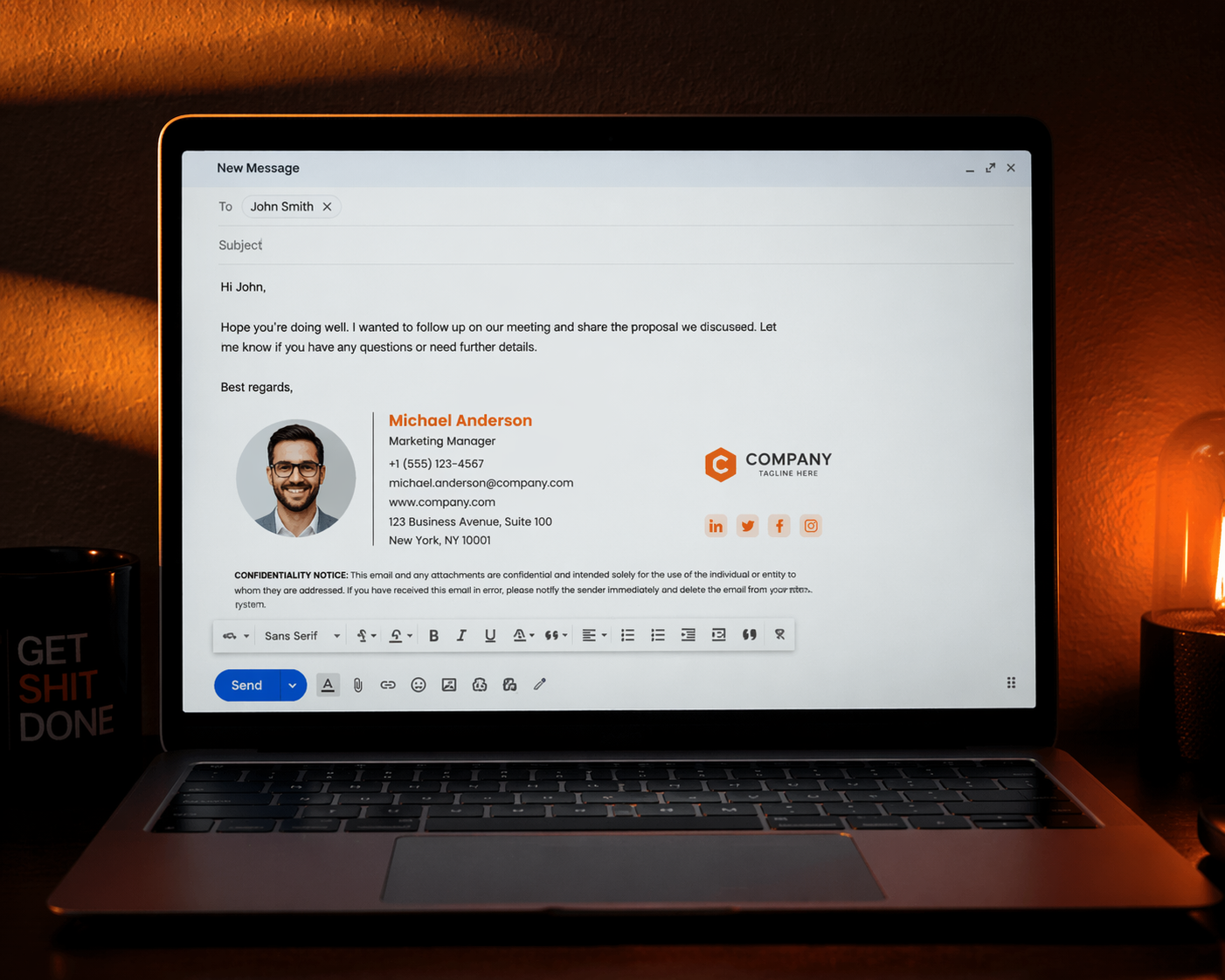
Design professional signatures once, deploy to your entire Google Workspace organisation instantly. Consistent branding, zero manual work.
Companies
Signatures Deployed
Uptime
Setup Time
How It Works
Get your entire organisation on-brand in minutes, not days. Here's how SigChanger automates your Gmail signatures.
Register Your Company
Sign up and create your company profile. Add your domain, brand colours, and company details to get started.
Connect Google Workspace
Link your Google Workspace domain using a secure service account. SigChanger auto-imports your entire user directory instantly.
Import & Sync Users
All your employees are automatically imported. New hires get added on day one, departures are handled automatically.
Design Your Signature
Use the visual drag-and-drop builder to craft pixel-perfect signatures. Dynamic fields auto-fill name, title, phone, and photo per user.
Assign & Schedule
Assign templates to teams, departments, or individual users. Schedule rollouts for specific dates — perfect for rebrands and campaigns.
Deploy Instantly
Push signatures to your entire organisation or selected teams with one click. The Gmail API handles deployment directly — zero manual work.
Powerful Features
Built for IT teams who need control, security, and efficiency across their entire Gmail signature workflow.

Real-Time User Sync
Auto-import users from Google Workspace. New hires get signatures on day one, departures are handled automatically.
Visual Signature Builder
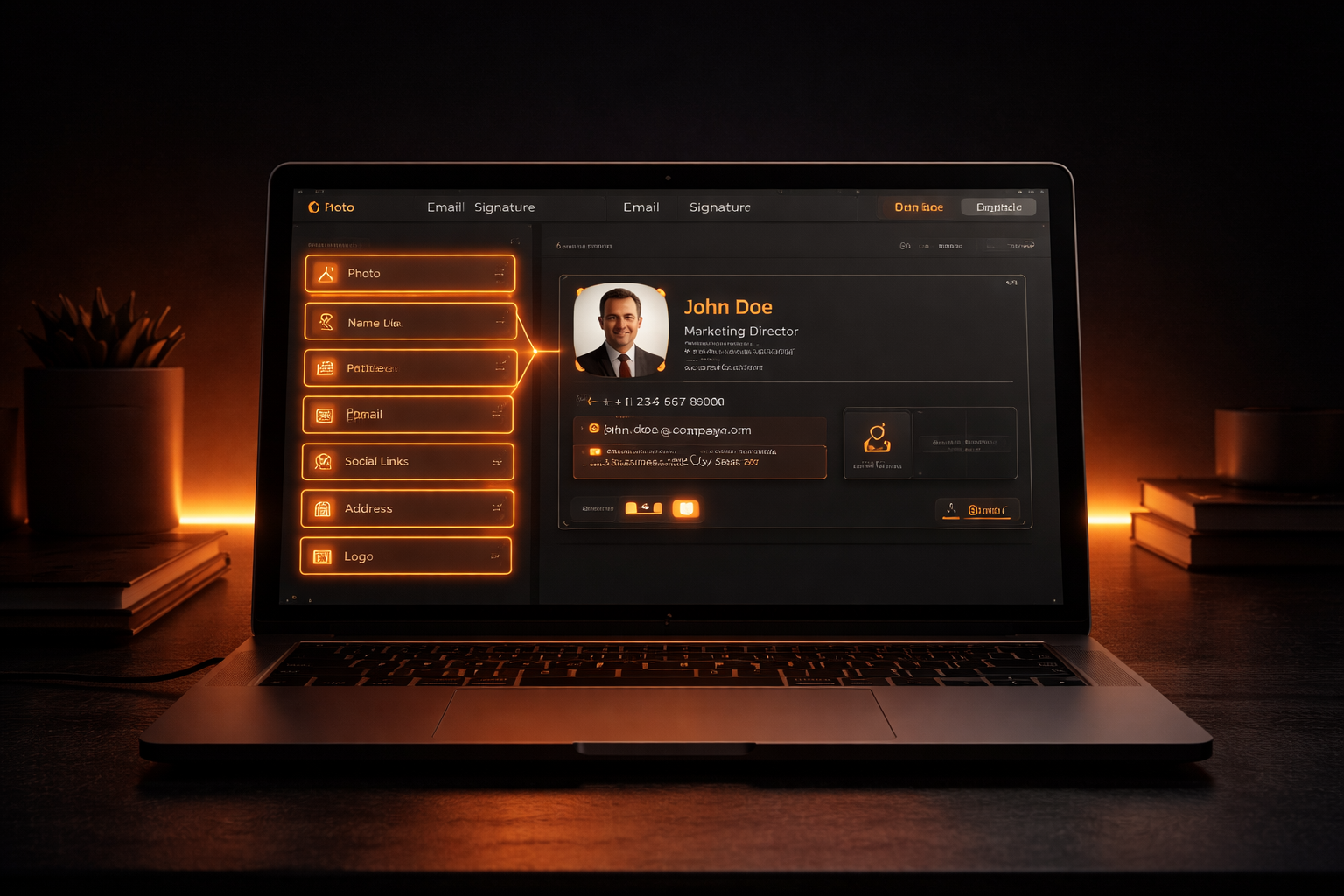
Drag-and-drop editor with live preview. Dynamic fields auto-fill name, title, phone, and photo per user.

One-Click Deployment
Push signatures to your entire organisation or selected teams instantly. No manual copying — the Gmail API handles it.

Scheduled Rollouts
Plan signature changes ahead of time. Perfect for rebrands, seasonal campaigns, and compliance updates.

AES-256-CBC Encryption
All credentials encrypted at rest. Each company uses its own service account — we never access your data.
Multi-Template Support
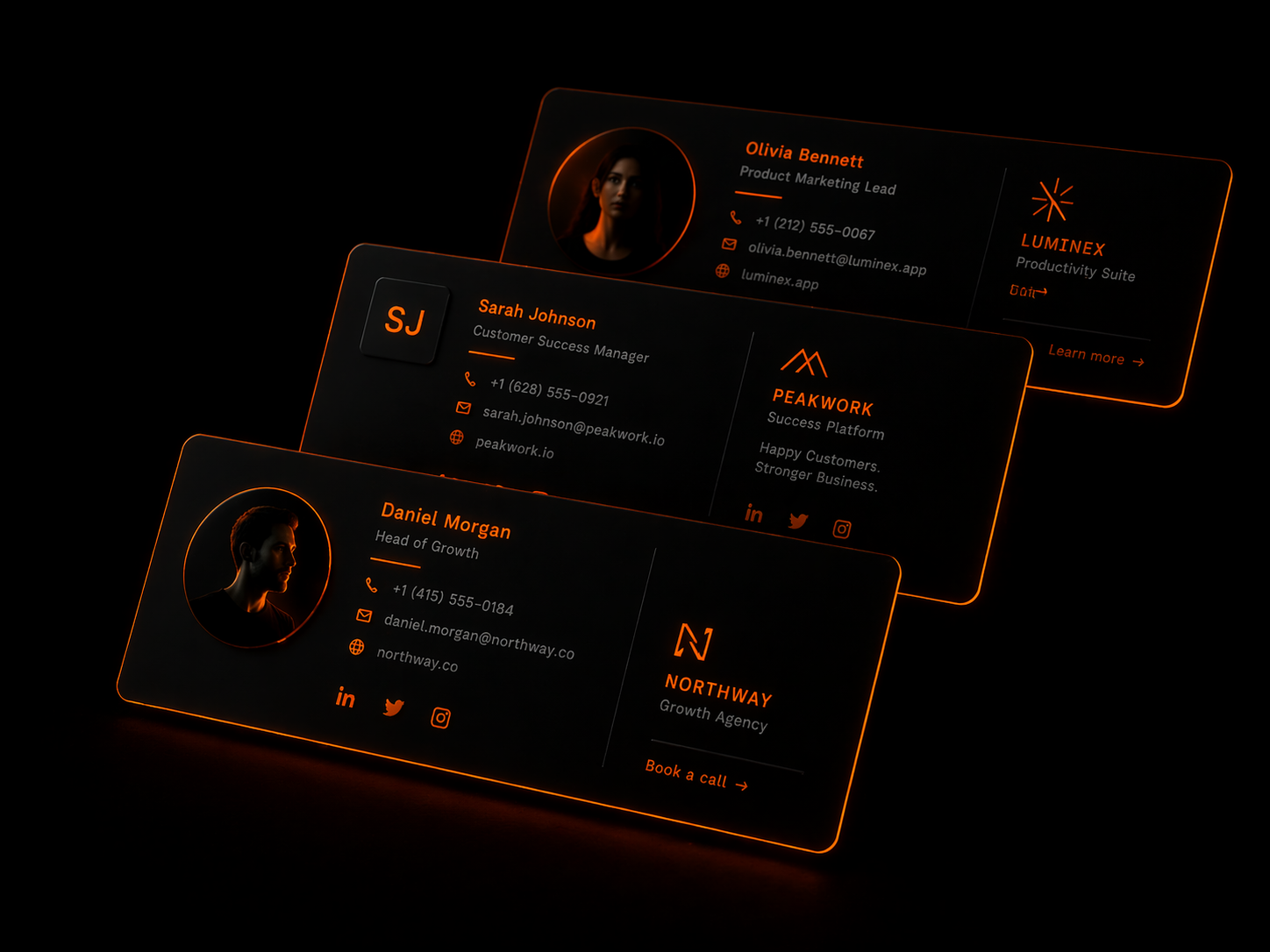
Create different signature templates for different teams or use cases. Pick the right template per user when you generate their signature — change it any time.
Frequently Asked Questions
Everything you need to know about SigChanger and Gmail signature automation.
Yes, SigChanger offers a free plan with no time limit and no credit card required — check the Pricing page for current user and template limits.
SigChanger connects to your Google Workspace directory using a service account. It automatically imports user data and keeps signatures in sync as your team changes.
All credentials are encrypted with AES-256-CBC. Each company uses its own Google Cloud service account — we never store or access your Workspace data directly.
Absolutely, you can schedule rollouts for specific dates and times — perfect for rebrands, seasonal campaigns, or promotional pushes.
You will receive a notification when approaching your limit. You can upgrade at any time to unlock more users, templates, and features.
What Our Clients Say
“SigChanger gave our team a reliable system for signatures across every department. New joiners, promotions, and brand updates now happen without manual chasing.”
Northforge Systems
“The biggest win for us was control. We keep ownership of our credentials and rollout timing, while SigChanger keeps every employee signature aligned.”
Bluepeak Analytics
“Before SigChanger, campaign updates meant repeated edits and follow-ups. Now our marketing team updates one template and the whole company reflects it instantly.”
Brightlane Creative
“We used SigChanger during a full rebrand rollout and everything switched over exactly when we needed it to. It removed the last-minute stress completely.”
Asteron Labs
Start Your Free Trial Today
Launch branded Gmail signatures across your workspace with one clean, centralized system.